Tuesday Tooling: The Commodore Repair Toolkit
Tuesday Tooling is back with a veritable cornucopia of Commodore fixing tools all in one package! All for $/£/€ 0!
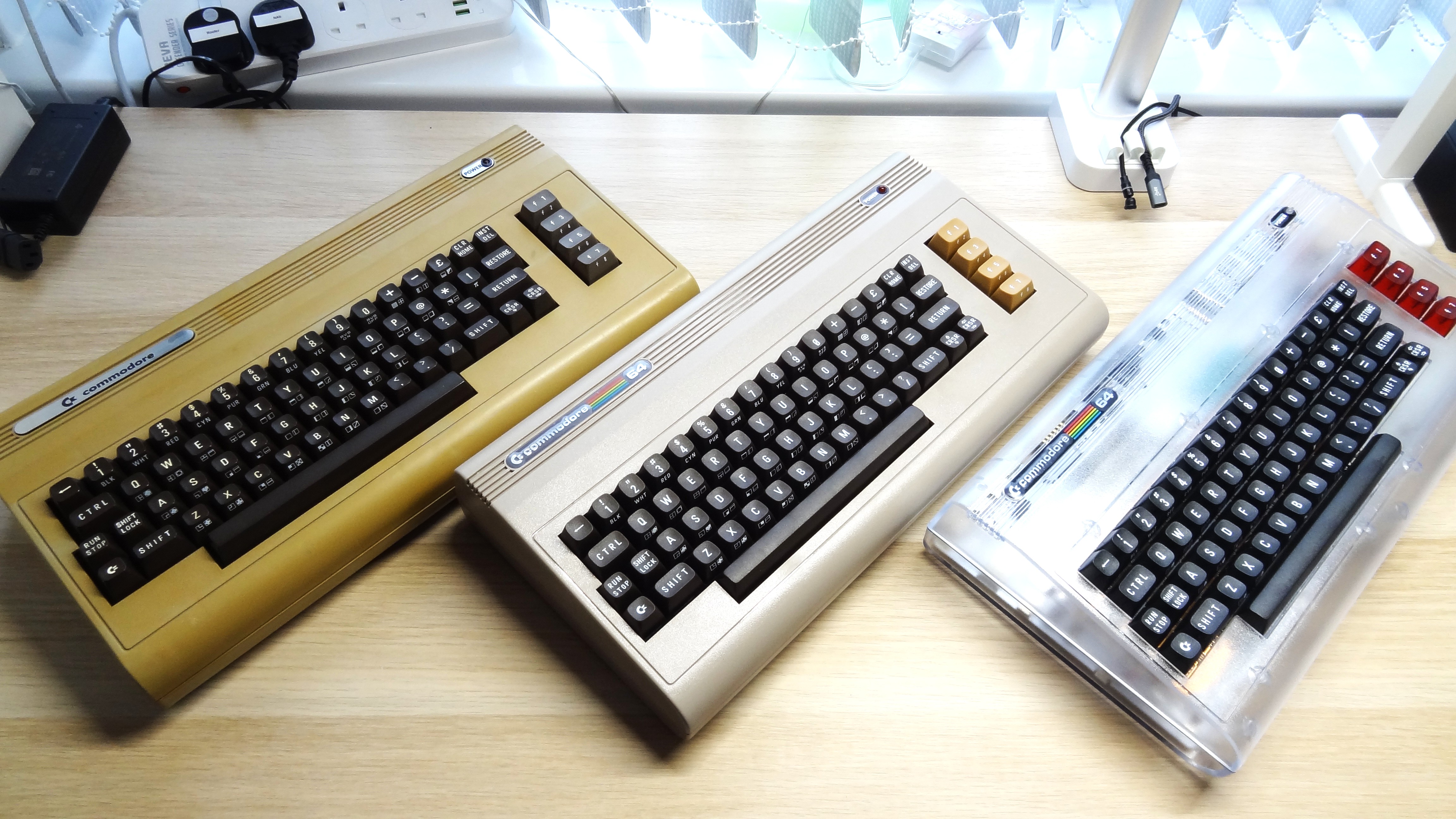
My OG Commodore 64 and two Commodore 64 Ultimates. I'll find a pic of my C16 and VIC20 and replace this after work
I love my Commodores, yes plural. I've got a VIC 20, Commodore 16, a real Commodore 64 and the new Commodore 64 Ultimate. Apart from my VIC 20, all of the machines work, but with this new tool I should be able to diagnose and repair my VIC 20. one day!
I spotted this tool thanks to More Fun Fixing It / More Fun Making It. I've subscribed to this channel for a long time and I love his content.
So What Is It?
The Commodore Repair Toolbox (CRT), from HovKlan-DH (Dennis) is a Windows application for retro electronics repairers who specialise in Commodore machines. CRT specialises in the many Commodore 8-bit machines such as
- Commodore VIC-20
- 250403 (CR)
- Commodore 64
- 250407 (long board)
- Covers all components
- Oscilloscope baseline measurements for PAL and NTSC
- 250425 (long board)
- Covers all components
- Oscilloscope baseline measurements for PAL and NTSC
- 250466 (long board)
- Covers all components
- Oscilloscope baseline measurements for PAL and NTSC
- 250469 (short board)
- Covers all components
- Oscilloscope baseline measurements for PAL and NTSC
- 250407 (long board)
- Commodore 128 and 128D
- 310378 (C128 and C128D, plastic cabinet)
- Covers all components
- Oscilloscope baseline measurements for PAL and NTSC
- 250477 (C128DCR, metal cabinet)
- Covers all components
- 310378 (C128 and C128D, plastic cabinet)
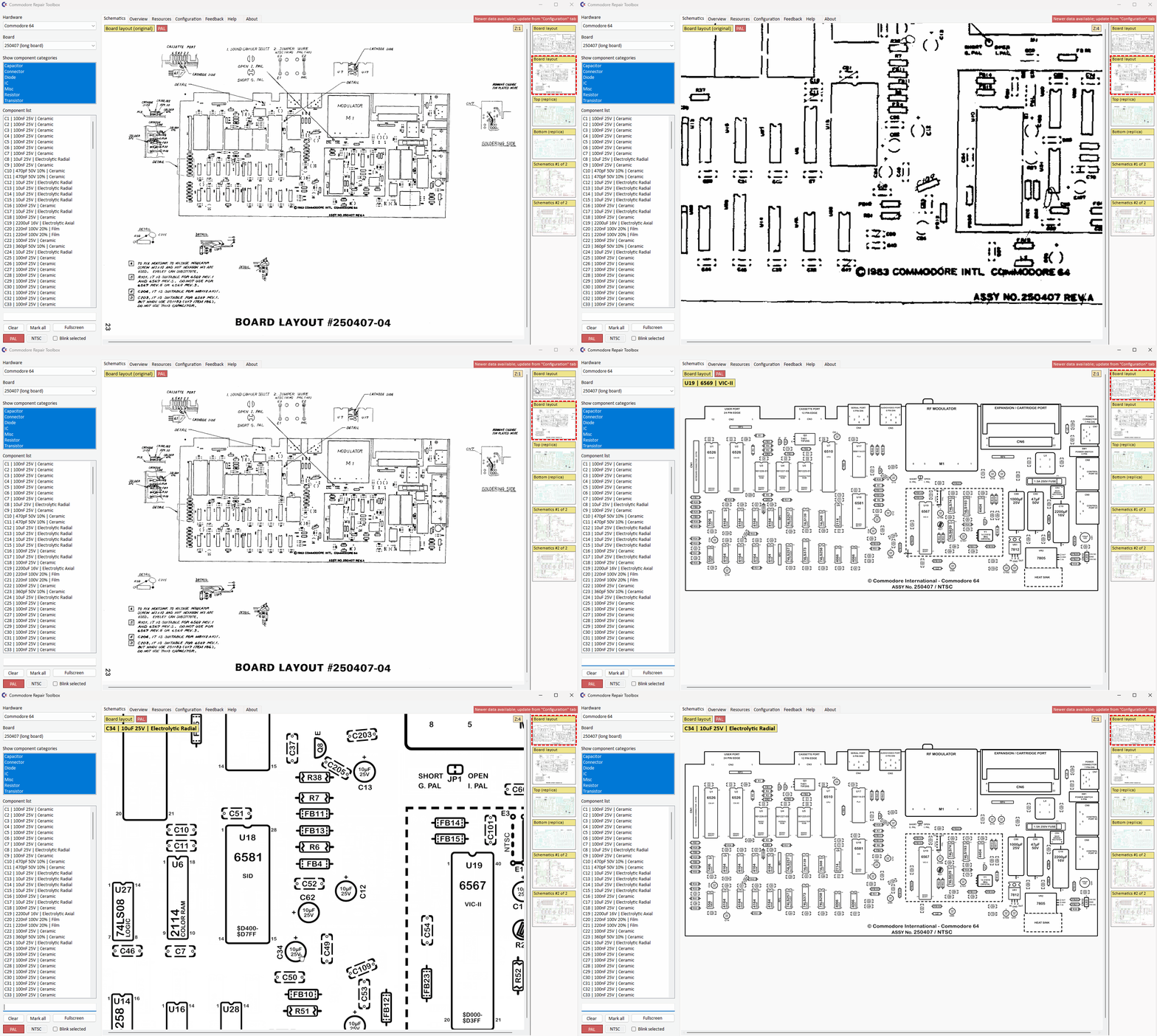
CRT isn't just a collection of screenshots! There are schematics for the aforementioned computers and their board revisions. Some of the schematics have been reworked and modernised from the original source material. This is great news as some of the older schematics were a bit "fuzzy" after being scanned, printed, scanned over the last 40+ years!
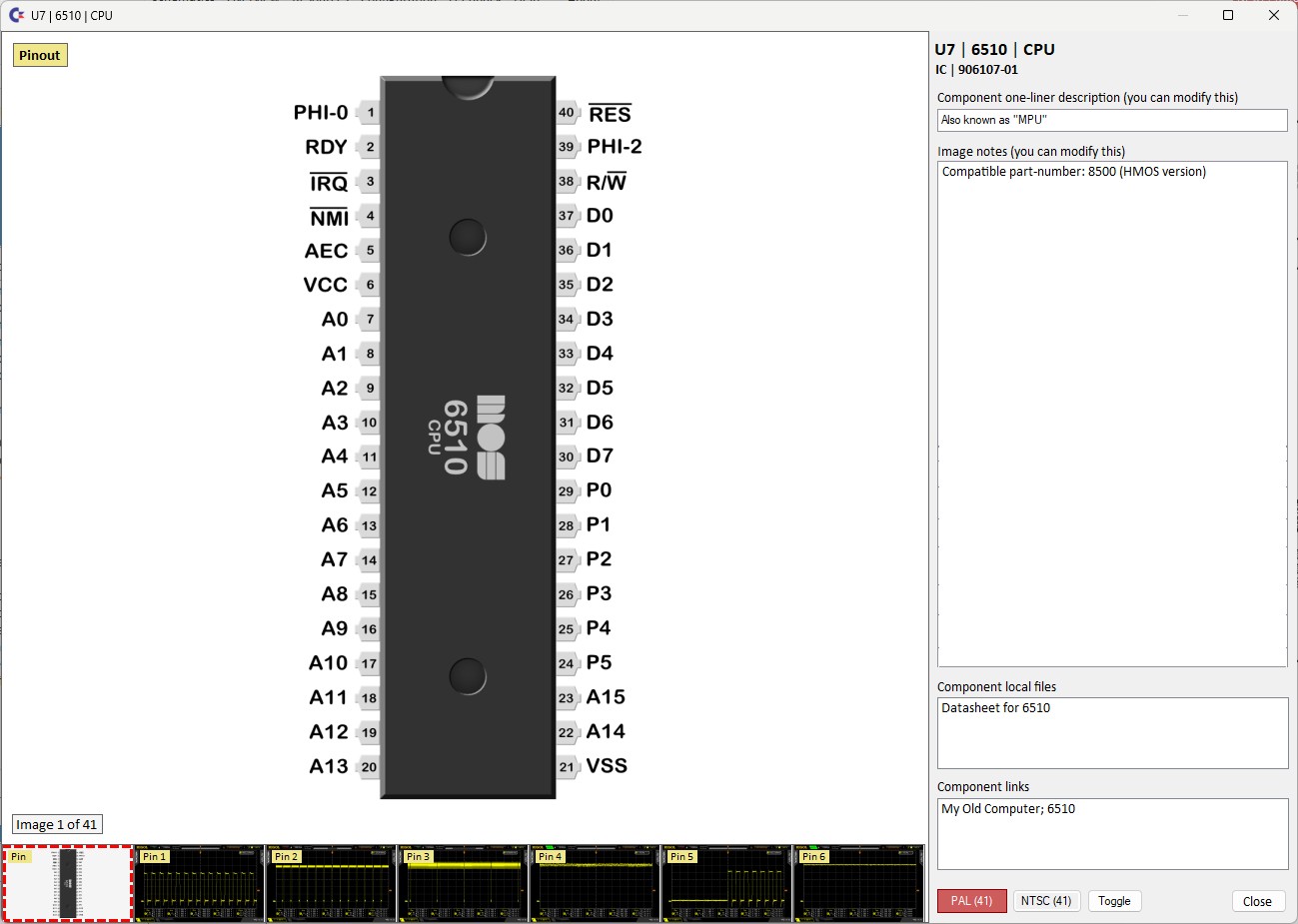
Need to know about a chip? Click on it! Yes, you can click on a chip and learn the pinout, but that's not all! At the bottom of the window are example oscilloscope waveforms that you can use to diagnose your own Commodore!
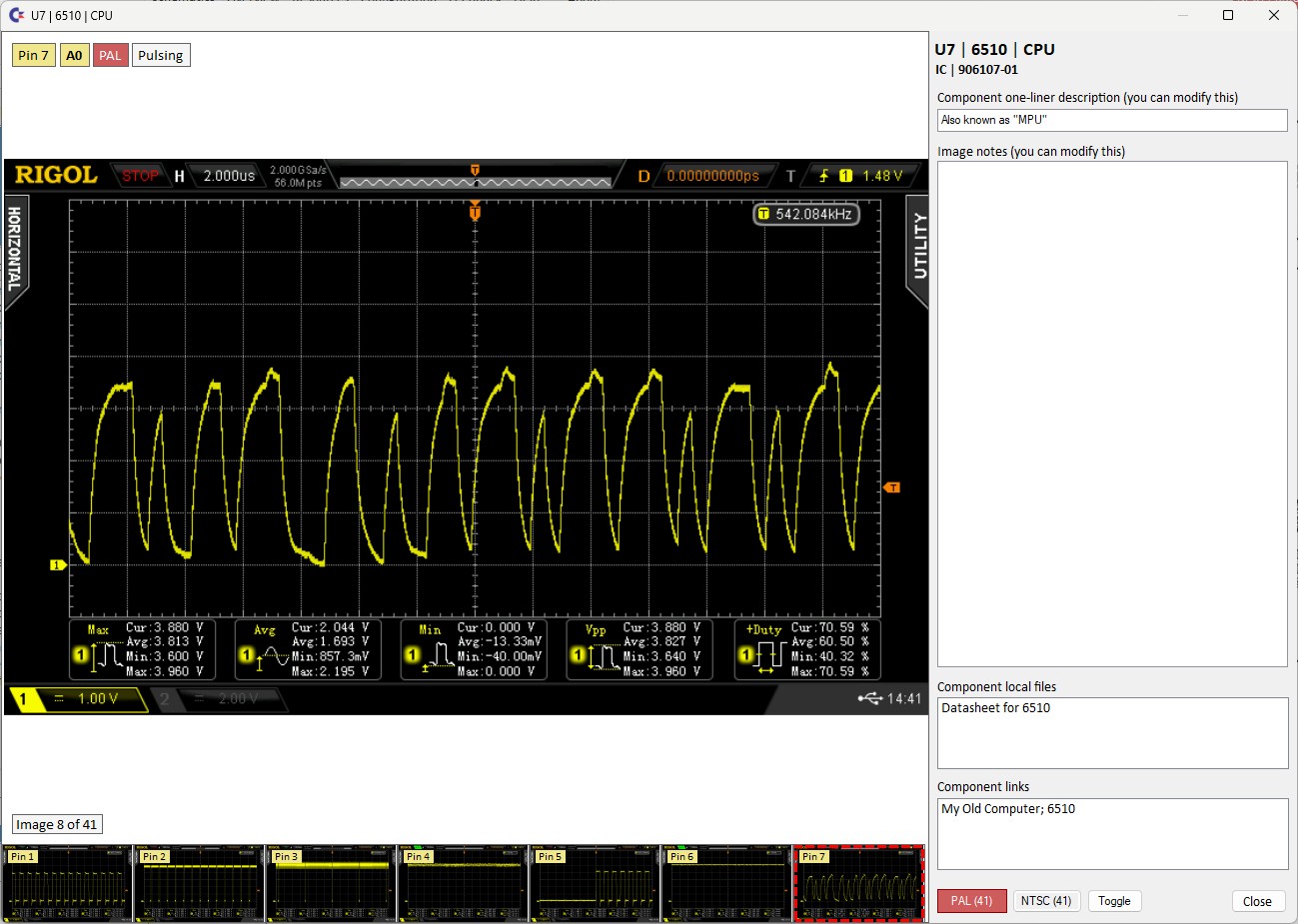
Above is the waveform for pin 7 of the 6510 CPU inside the Commodore 64. It shows an example of a working CPU that we can use for diagnosing issues.
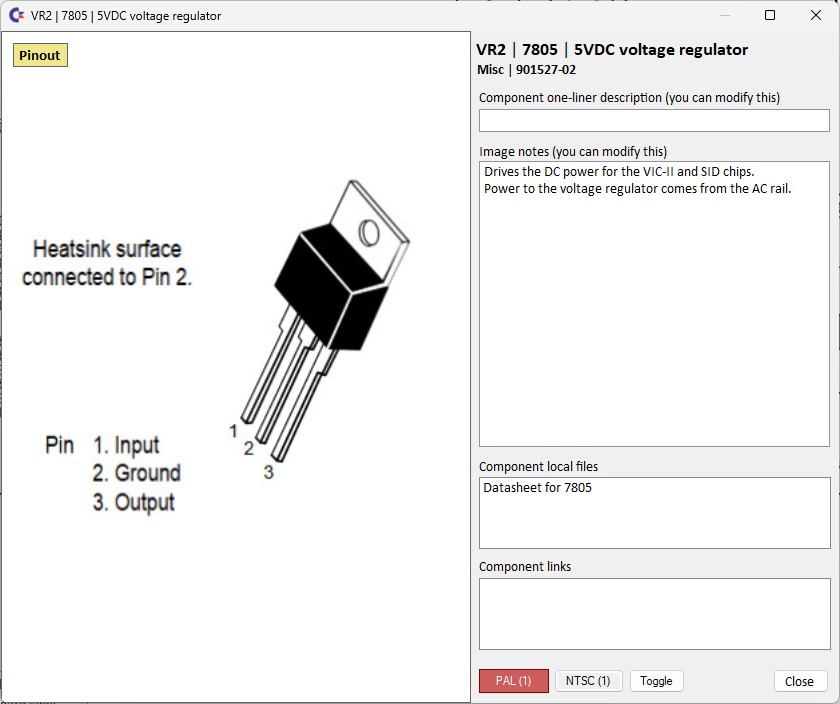
There is even a pinout for the humble 7805 5V voltage regulator, damn useful!
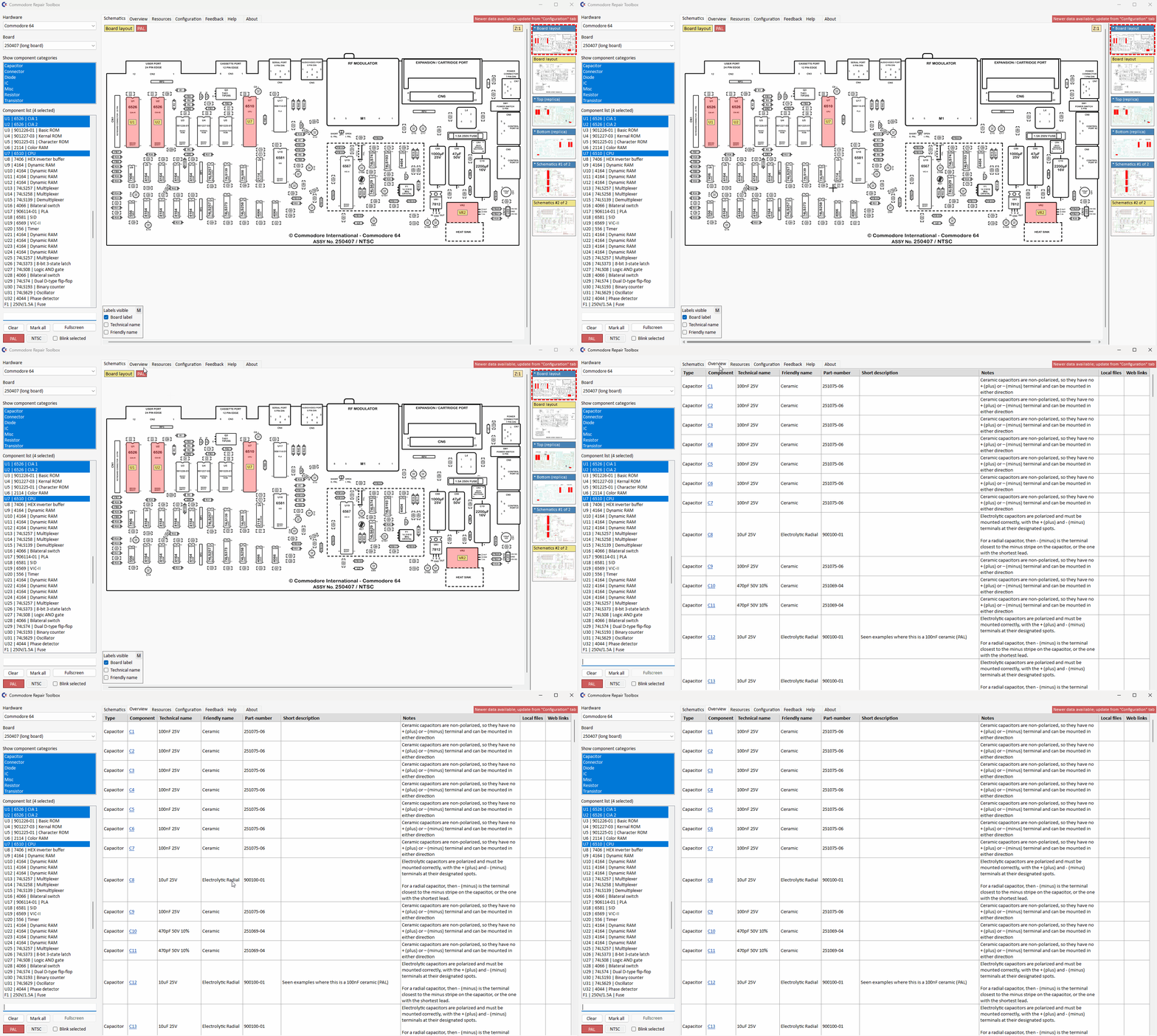
Need a quick overview of the components and their values? Click on the Overview tab and you get a handy table with all of the details.
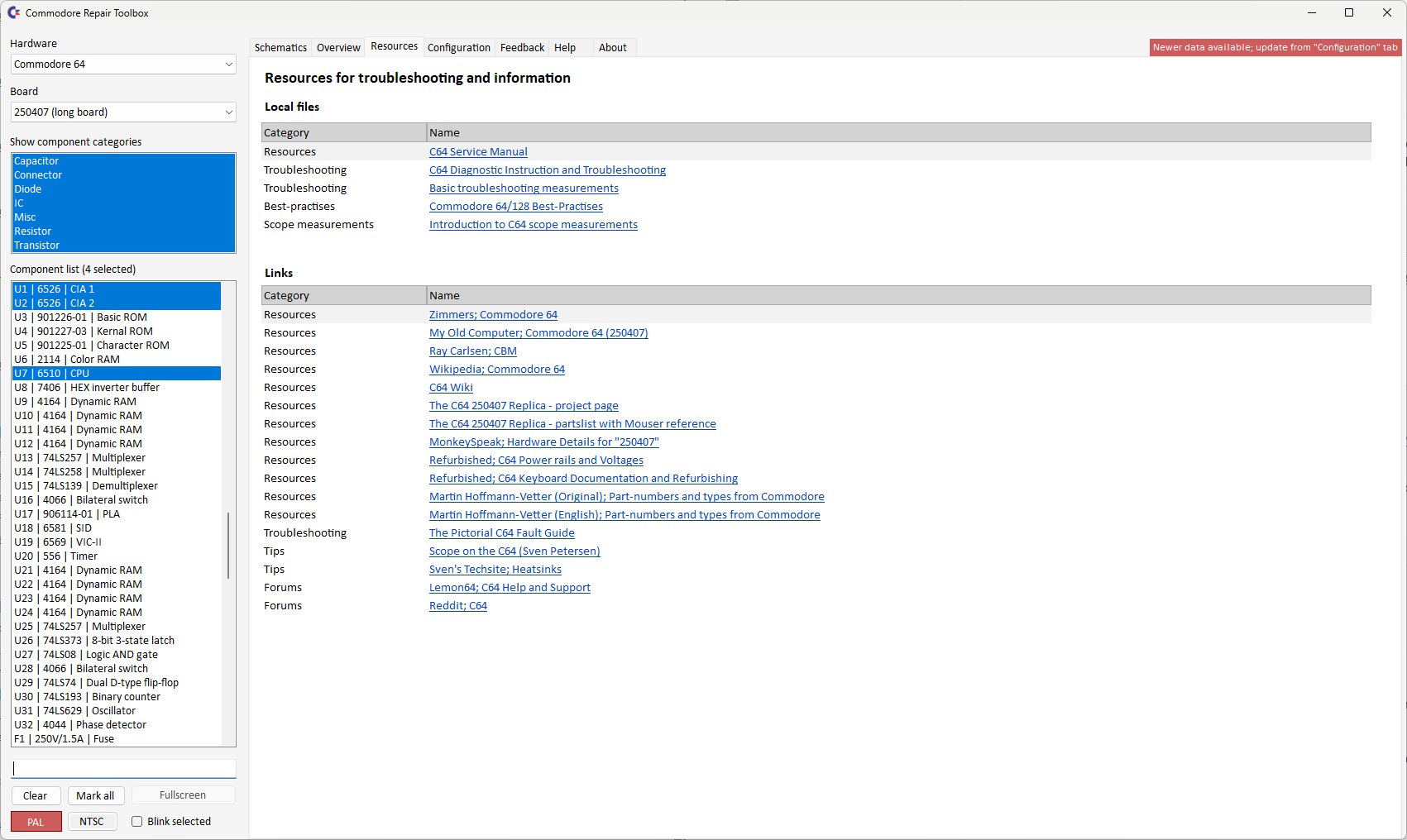
Need some extra resources? Click on the Resources tab and dig into the wealth of Commodore resources from Zimmers, Ray Carlsen and Sven Petersen!
So How Do I Install It?

You don't need to! Just download the latest release, extract the contents and click on the executable. Windows may warn you that the app is from an unknown source, but it should be good. I ran a virus check before extracting, I do this with every file that I get from the Internet.
So it only runs on Windows?
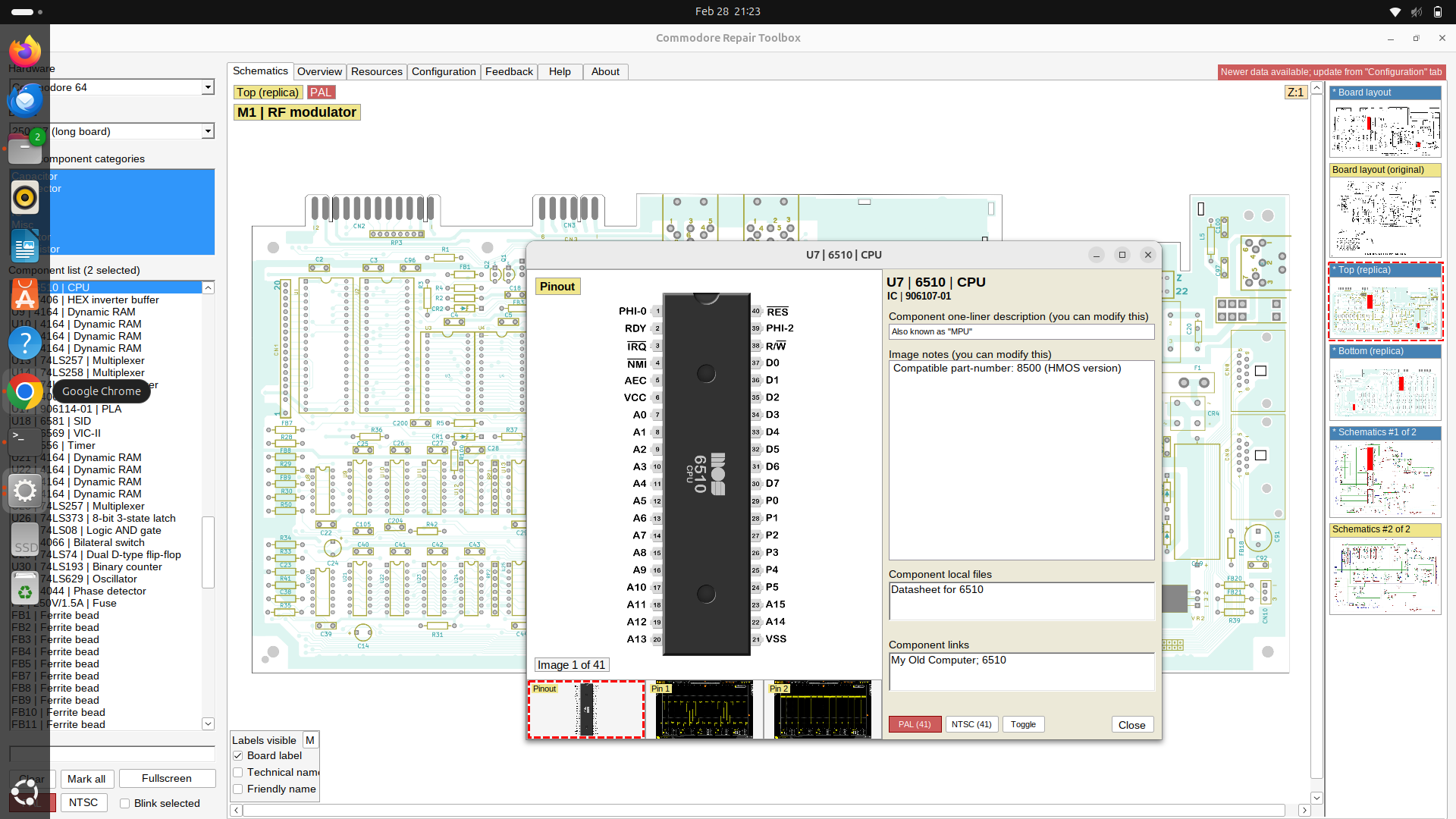
Nope! It also runs on my Ubuntu 24.04.3 laptop. I just needed to install Wine, the compatibility layer for Linux that enables Linux to run some Windows applications. I then installed wine-mono-7.4.0-x86.msi and then downloaded, extracted and ran CRT on Ubuntu. All went well!
To get win-mono I ran this command from a terminal.
wget "https://dl.winehq.org/wine/wine-mono/7.4.0/wine-mono-7.4.0-x86.msi"
Then to install I ran.
wine start wine-mono-7.4.0-x86.msi
To run Commodore Repair Toolkit I ran this command in the same directory as the extracted files.
wine Commodore-Repair-Toolbox.exe